Create Stunning Holiday Videos with AI: A Step-by-Step Guide


The holiday season is a special time for capturing memories, and creating stunning videos can make those moments last a lifetime. With the power of AI, crafting professional-looking videos has never been easier. Whether you're a seasoned videographer or a complete beginner, this guide will help you create holiday videos that truly shine.
Choose the Right AI Video Editing Tool
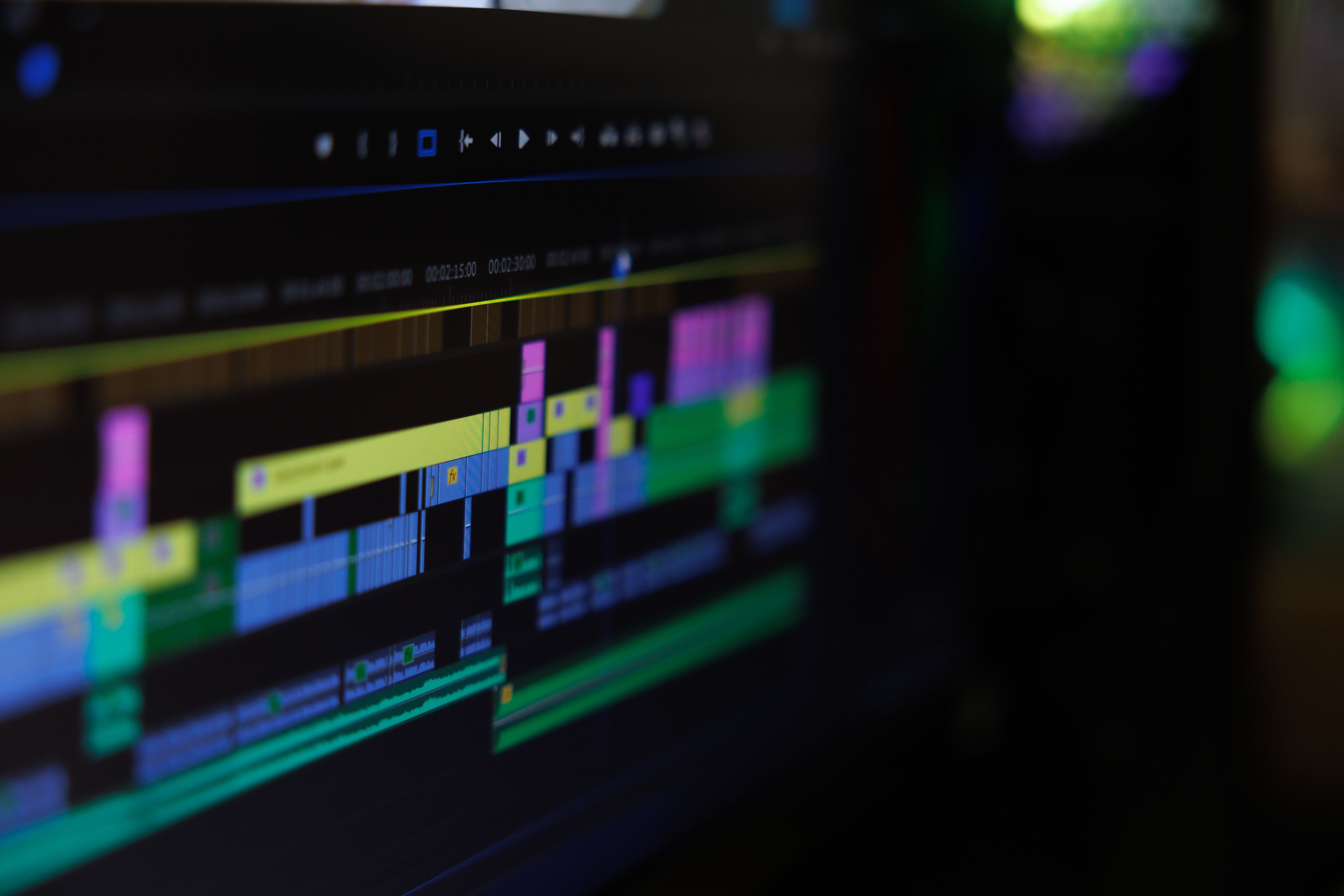
Before diving into video creation, it's essential to select an AI-powered video editing tool that suits your needs. Popular options include Adobe Premiere Pro, Final Cut Pro with AI plugins, and more user-friendly platforms like InVideo or Magisto. These tools offer a range of features, from basic editing to advanced AI-driven enhancements.
Consider what you want to achieve with your videos. Are you looking for quick edits and automatic enhancements, or do you want more control over the creative process? Your choice of software will significantly impact your workflow and the final product.
Plan Your Video Content
Once you've chosen your tool, it's time to plan your video content. Think about the story you want to tell and the emotions you aim to evoke. A well-structured video often includes the following elements:
- Introduction: Capture attention with a compelling opening.
- Main Content: Showcase your holiday experiences, family gatherings, or travel adventures.
- Conclusion: Wrap up with a memorable closing that leaves a lasting impression.
Remember, the best videos tell a story. Use your footage to weave a narrative that resonates with your audience.
Utilize AI Features for Enhancements
AI video editing tools come packed with features that can enhance your videos effortlessly. Some of the most useful AI capabilities include:
- Automated Editing: Let the AI cut and arrange clips for a seamless flow.
- Color Correction: Adjust colors automatically to create a professional look.
- Stabilization: Smooth out shaky footage with AI-powered stabilization.
- Sound Enhancement: Improve audio quality with noise reduction and balancing.
Experiment with these features to see how they can elevate your holiday videos. The key is to enhance without over-editing, keeping the natural essence of your footage intact.
Add Music and Effects
Music and effects play a crucial role in setting the mood of your video. Many AI tools offer royalty-free music libraries and sound effects that you can easily integrate. Choose tracks that complement the tone of your video, whether it's festive, sentimental, or adventurous.
Subtle effects like transitions, slow motion, or time-lapses can add flair to your video. Use them sparingly to maintain focus on the main content without overwhelming your audience.

Export and Share Your Creation
Once you're satisfied with your video, it's time to export it. Most AI video editors allow you to export in various formats suitable for different platforms, such as YouTube, Instagram, or Facebook. Ensure that you export in high quality to preserve the clarity and detail of your footage.
Sharing your video with family and friends is the final step. Use social media, email, or cloud services to distribute your creation. Encourage viewers to share their thoughts and experiences, fostering a sense of connection and joy.
By following these steps and leveraging AI's capabilities, you can transform your holiday memories into stunning videos that captivate and inspire. Happy filming!