Creating Holiday Videos with AI: A Step-by-Step Tutorial


Introduction to AI-Powered Holiday Videos
The holiday season is a perfect time to capture and share special moments. With advancements in technology, creating holiday videos using AI has become more accessible and exciting. Whether you're a seasoned video editor or a beginner, AI tools can help you create stunning videos that capture the spirit of the season.
Choosing the Right AI Tool
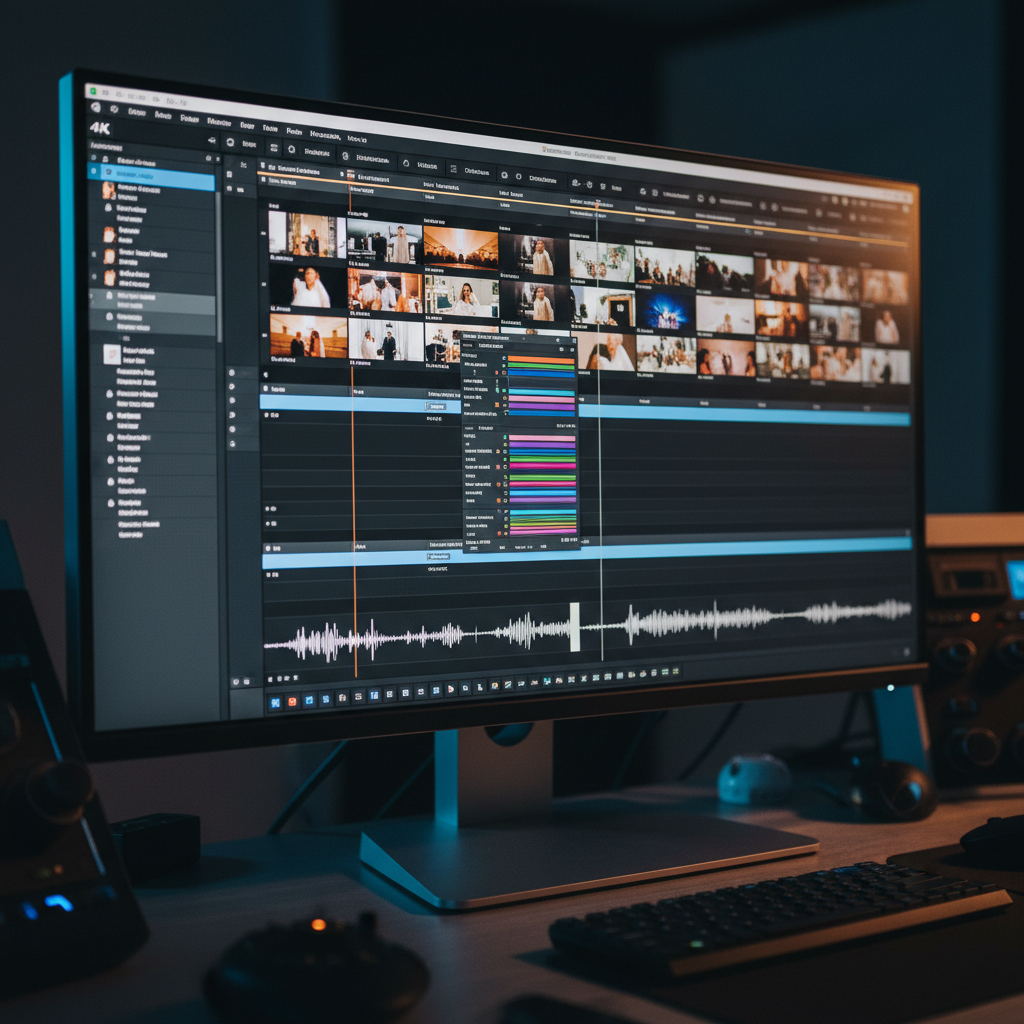
There are various AI-powered video editing tools available today. When selecting one, consider your specific needs and level of expertise. Some popular choices include Adobe Premiere Pro with AI plugins, InVideo, and Magisto. These tools offer different features like automated video creation, smart editing, and even music recommendations.
Look for tools that provide user-friendly interfaces and excellent customer support. Reading reviews and watching tutorial videos can also help you make an informed decision.
Planning Your Holiday Video
Before diving into editing, it's important to plan your video. Decide on the theme and the message you want to convey. Will it be a family holiday recap, a festive greeting, or a creative holiday story?
- Gather all your video clips and photos.
- Think about the music and voiceovers you might want to include.
- Create a storyboard to outline the sequence of your video.

Importing and Organizing Media
Once you have a plan, start by importing your media into the chosen AI tool. Most tools allow you to drag and drop files directly into the editor. Organize your clips and photos in the order you want them to appear. This step will make the editing process smoother and more efficient.
Editing with AI Features
AI tools can significantly enhance the editing process. Use AI features to automatically trim and arrange clips, add transitions, and apply filters. Many tools offer auto-editing capabilities that can save you time and effort while still producing high-quality results.
Adding Music and Voiceovers
Music is a powerful element in holiday videos. Many AI tools offer royalty-free music libraries and can even suggest tracks that match the mood of your video. Additionally, consider adding voiceovers for a personal touch. Use AI features to adjust audio levels and ensure clarity.
Reviewing and Refining Your Video
After editing, review your video to ensure it flows smoothly and conveys the intended message. Pay attention to transitions, audio synchronization, and overall length. Make any necessary adjustments using the tool's editing features.
Exporting and Sharing Your Creation
Once you're satisfied with your video, it's time to export it. Most AI tools provide various export options, allowing you to choose the best format and resolution for your needs. Consider sharing your video on social media platforms, via email, or even creating a private link for family and friends to enjoy.
Conclusion
Creating holiday videos with AI is an enjoyable and rewarding process. With the right tools and a bit of creativity, you can produce videos that beautifully capture the essence of the holiday season. Embrace the power of AI to bring your holiday memories to life in a truly unique way.